Let's be honest. When AI image editing first started showing up everywhere, a lot of photographers felt uneasy. Would it cheapen the work? Would clients stop valuing the skill that goes into a well-lit shot?
After actually using it in my daily workflow as a food photographer, here's what I've found: AI doesn't replace what makes your work yours. It just handles the tedious parts faster, so you can focus on the parts that actually matter.
Think of it like having a very fast, very patient assistant in post — one that never gets tired of selections or complains about removing crumbs.
Where it actually helps
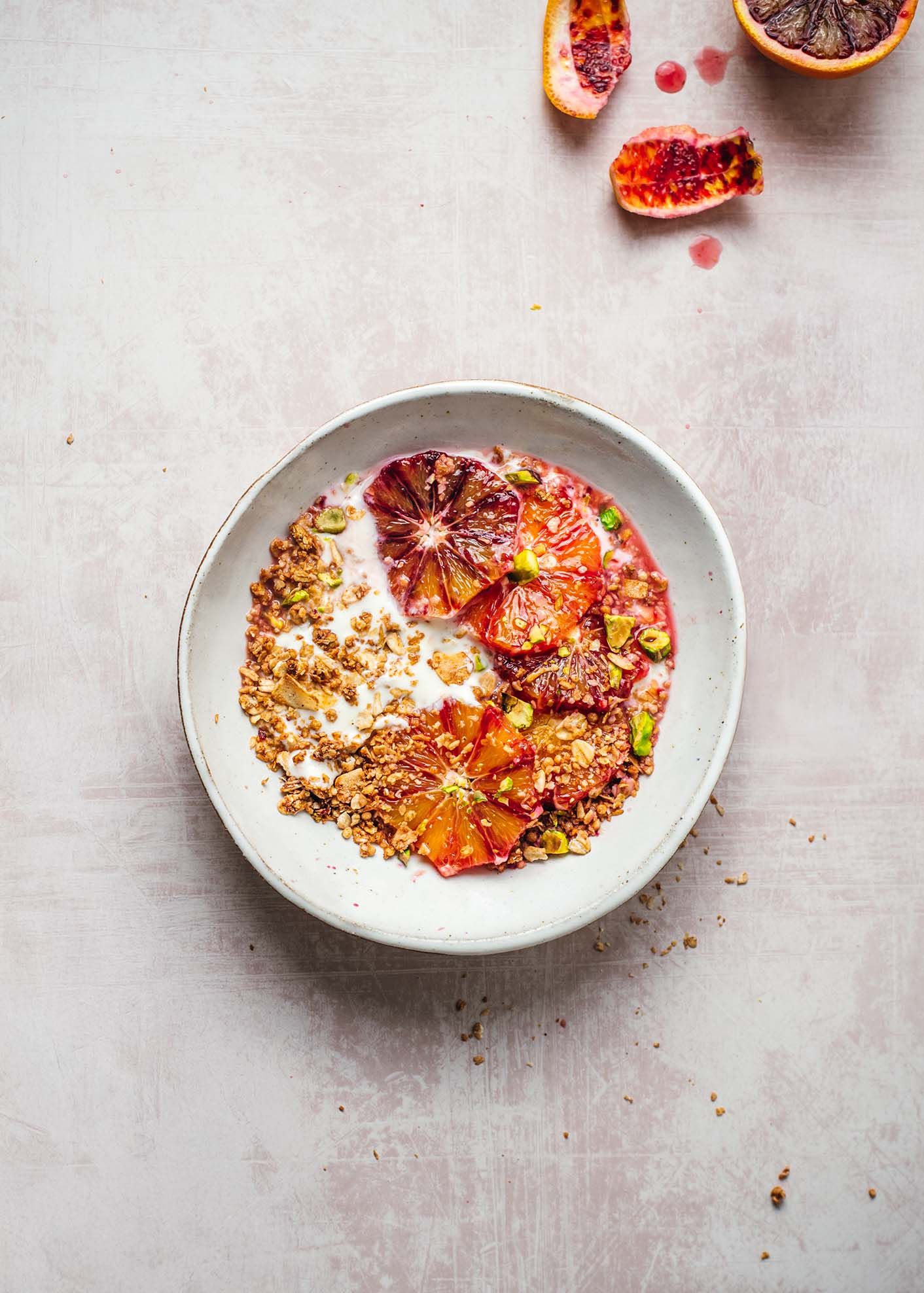
Food photography has its own particular challenges. You're working with real ingredients that don't always behave. Egg yolks crack unevenly. Citrus doesn't always release that perfect spray of juice at the right moment.
The client asked for a bar-style background. Rather than rebuilding the entire set, I suggested generating it using AI in Photoshop to achieve the desired look efficiently. The client approved this approach, allowing us to refine the scene digitally while keeping the focus on the food itself.
These are the moments where AI tools have quietly become part of my process:
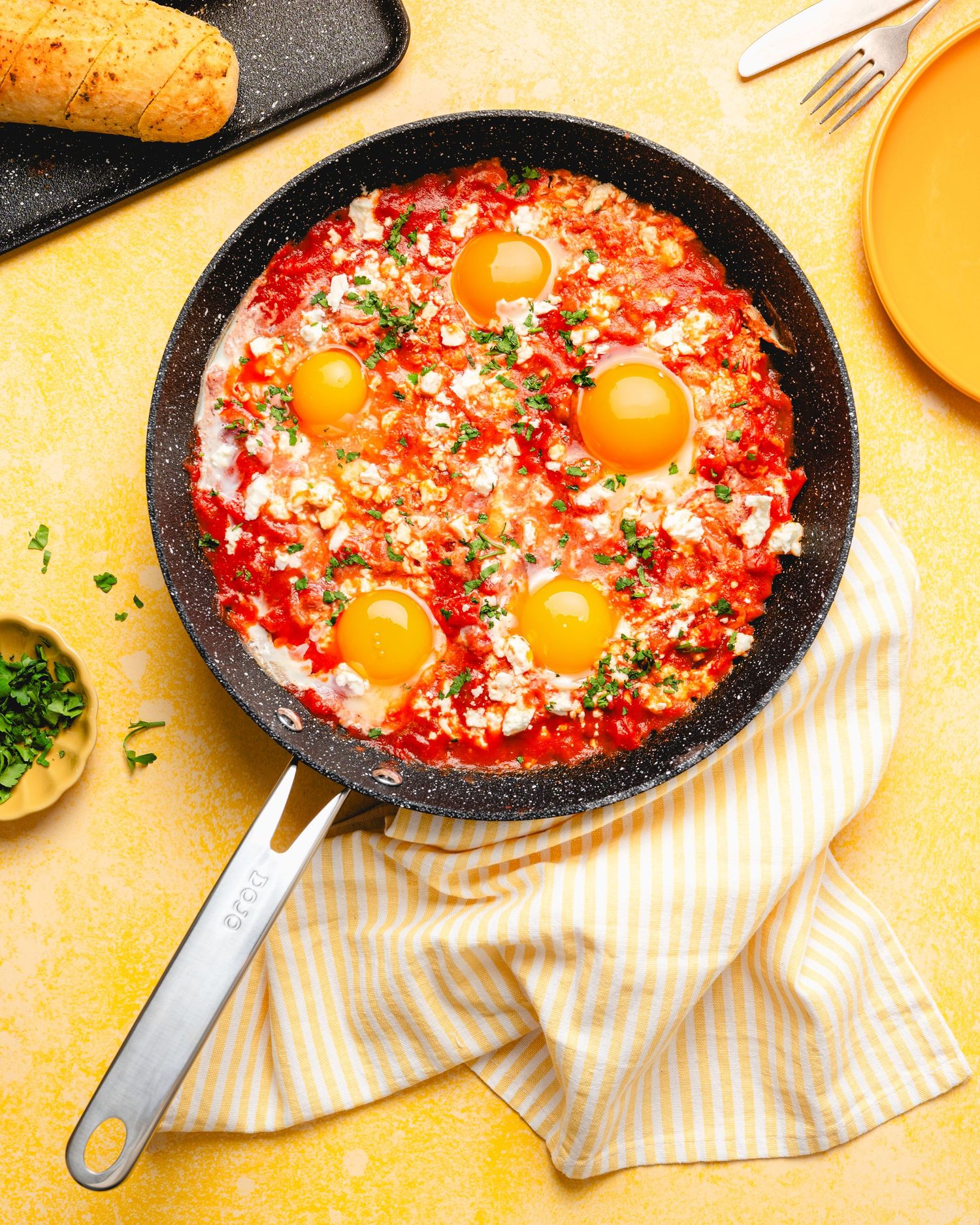
Real example — broken egg yolk
The problem: The egg yolk split awkwardly on impact. Instead of that rich, glossy flow, it looked messy and lifeless—no visual payoff.
The fix: A few minutes with an AI-assisted tool to reconstruct the yolk—restoring a smooth, natural-looking break that matched the lighting and texture of the scene. What once required careful retouching and compositing can now be resolved in a fraction of the time.
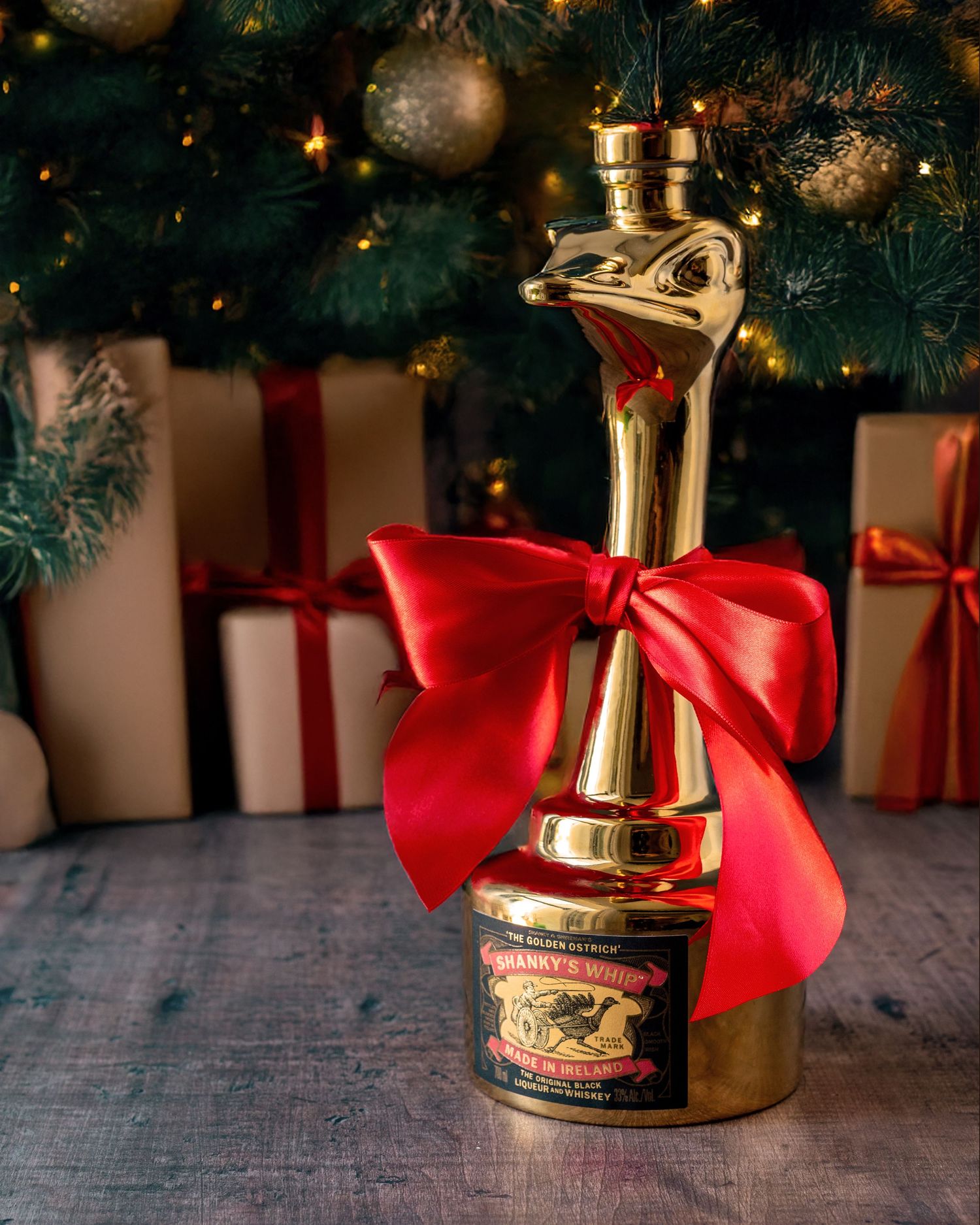
Real example — background replacement
(Christams tree setting)
The problem: The client wanted a festive mood—specifically a Christmas tree in the background, with the ostrich-shaped bottle positioned like a gift underneath.
The fix: Using AI-assisted tools, I generated a Christmas tree background that matched the perspective and lighting of the original scene, then integrated the ostrich-shaped bottle seamlessly as a “gift” under the tree. The result kept the integrity of the product shot while transforming the atmosphere—something that would have taken significantly more time to create.
The practical workflow
The way I think about it: AI handles the corrections, I make the creative calls. Here's roughly how that looks in practice:
- Shoot as carefully as you always would - good light, thoughtful composition, the right hero angle. AI doesn't fix bad fundamentals.
- In your first pass of editing, flag the things that need fixing - not just technically wrong, but anything that pulls the eye away from the food.
- Use AI tools for mechanical tasks: removing a stray sesame seed, fixing the one egg yolk that split, and removing the socket on the wall to improve the photo result.
- Step back and do your creative review. Does the background still feel right? Does the light read the way you intended? That's your call, not the algorithm's.
- Final polish as usual - colour grade, contrast, export. Nothing changes here.
Beyond the image — the business side of things
This one is personal, and I'm not afraid to say it.
English is not my first language. And for years, writing client emails, contracts, and project briefs took real mental energy - not because I didn't know what I wanted to say, but because getting it to sound professional and natural in a second language is genuinely hard work.
AI changed that completely. I give it my rough notes - the shoot details, deliverables, timeline, what the client asked for - and it helps me turn that into a clean, well-written brief. I write my own emails, then ask it to check the grammar and polish the tone. Contracts that used to take me an hour of second-guessing now get done properly and confidently.
This has nothing to do with being lazy or cutting corners. It's about showing up professionally in every part of the job, not just the part you're pointing a camera at. The ideas, the details, the decisions - all of that is still mine. AI just helps me express it clearly.
If you're a creative working in a language that isn't your native one, this alone is worth the tool. Genuinely.
What it doesn't replace
Here's the thing no one talks about enough: AI tools are only as good as your eye. If you don't know what a well-styled dish looks like, no tool will tell you. If you can't read light, you won't know whether the AI's background swap looks natural or looks pasted in.
The craft still lives in your decisions — what to shoot, how to style it, what story the image is telling. That's not something a model can replicate. It's the reason clients hire you specifically.
The photographers who use AI best are the ones who already know exactly what they want. The tool just helps them get there faster.
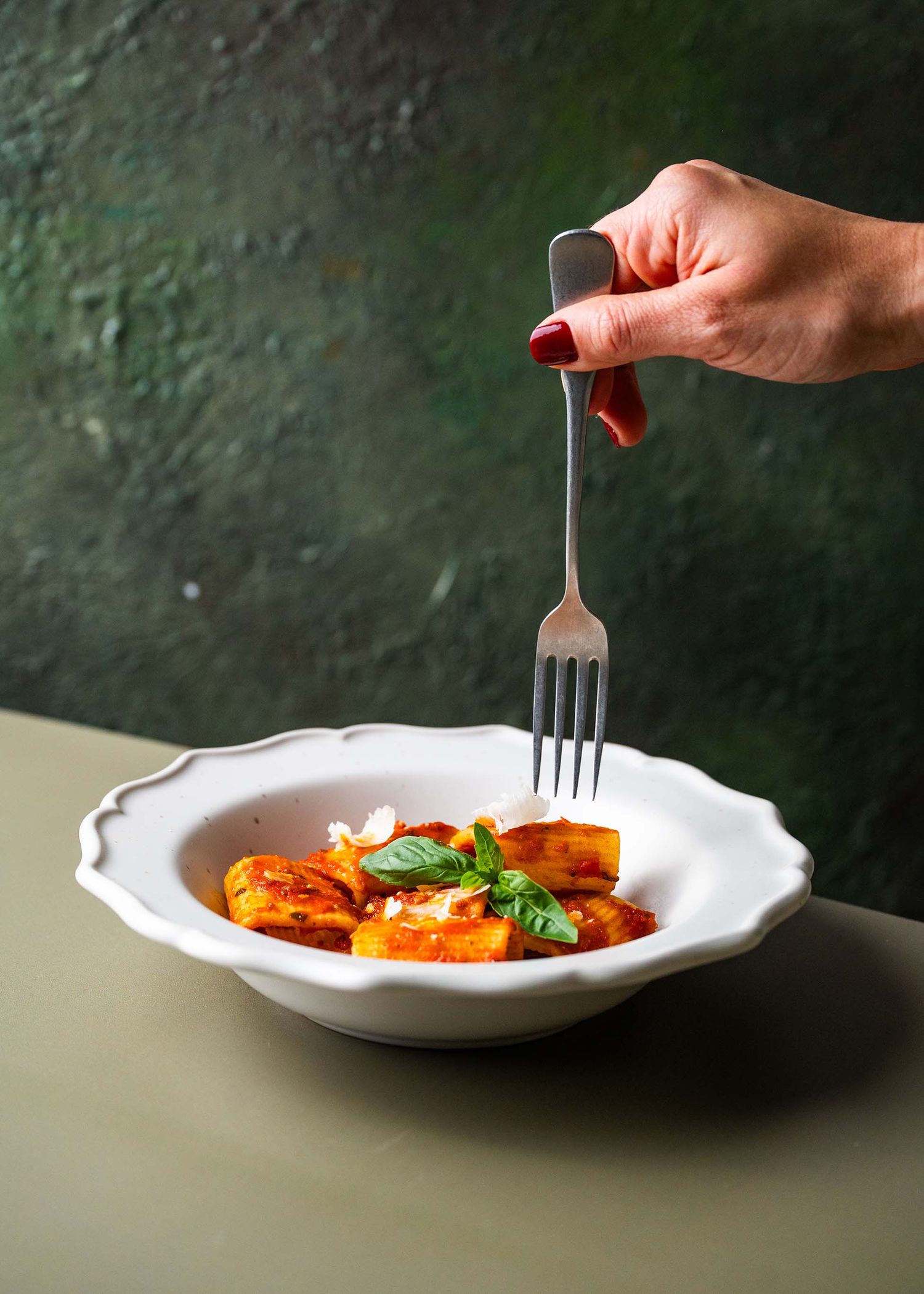
A note on transparency
Some photographers worry about whether to disclose AI-assisted edits. My take: the same standards apply as always. If a client is buying a "straight from camera" image, tell them. If they're buying a polished final product — which is what most commercial food clients actually want — how you achieved that finish is largely your own business.
What matters is the result on the plate. And whether you used a clone stamp, a frequency separation layer, or a generative fill tool, a great food photograph is still a great food photograph.